The Accounts Department plays a critical role in verifying payments received against Quotes. Once payment is confirmed against bank entries, the Finance team approves the transaction, which unlocks the next stage in the Sales Pipeline by automatically generating the Sales Order.
1. Payment Verification
When the Sales team submits a Payment Receipt for a Quote, it lands in the Finance queue for verification.
Navigating to Payment Receipts
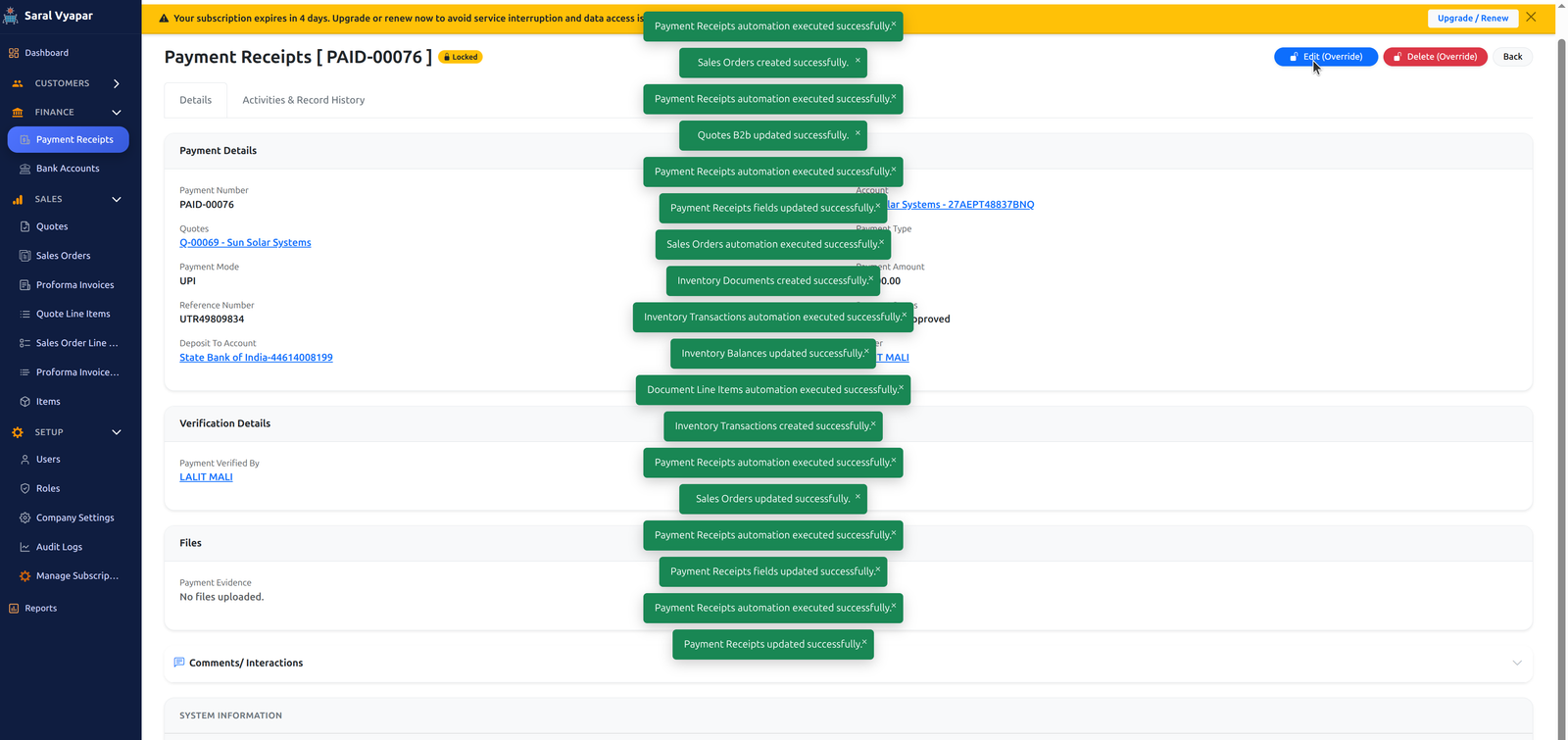
The accounts department will click on Finance -> Payment Receipts. From the list, select the recent or appropriate payment receipt and click on the payment number to view its details.
Bank Entry Reconciliation
The finance team carefully checks the payment proof attached by the sales team against actual bank entries. This step ensures that the money has been successfully deposited into the company's bank account.

2. Approval & Automatic Sales Order Generation
Approving the Payment
Once the payment is verified, the accounts department will click on Approve Payment for that specific quote and payment receipt.

System Automation
The moment the payment is approved, the system takes over:
- It automatically creates a Sales Order (SO) for the corresponding Quote.
- The Sales team is notified and can proceed with generating Proforma Invoices based on the new locked Sales Order.
Frequently Asked Questions (FAQ)
Q: What happens if the payment amount in the bank does not match the receipt?
A: The Finance team will reject or keep the payment receipt in 'Pending' status and notify the Sales Representative to correct the discrepancy or provide further clarification.
Q: Can Sales generate a Sales Order without Finance approval?
A: No. The system strictly enforces that a Sales Order is only generated after the Finance Department has explicitly approved the associated Payment Receipt. This ensures inventory and financial integrity.